SCOPE / ACCEPTANCE
Example workflow: turn supplier price lists into one checked workbook
Imagine receiving three spreadsheets each week. One stores product codes as numbers, another keeps leading zeros, and their column names and units differ. This is an illustrative workflow to scope a new project, not a claim about a completed client engagement. A small set of representative rows can establish the expected behaviour before the full dataset is processed.
1. Define how records match
Choose a product key: SKU, supplier code or a combination of fields. Codes such as 00123 and 123 must not be treated as the same product without an explicit rule. Duplicate keys, missing prices and unknown currencies need defined outcomes. Ambiguous records go into an exception report instead of silently disappearing.
2. Review the proposed changes
The workflow normalises agreed column names and formats, matches records and calculates the requested values. A preview shows the old value, new value and reason for the change. For example, an agreed 7% markup changes 1,000 to 1,070. A row without a valid price remains flagged for review.
3. Export a workbook and an audit trail
The output is a new workbook containing the combined price list and an exceptions sheet. Original files are preserved. A scheduled workflow also needs an output destination and failure notification. Running the same input twice should reproduce the same result without applying the markup a second time.
Acceptance checks before handover
- Use a reference dataset with a normal record, duplicate key, missing price, leading-zero code and unsupported input format. Agree on an expected result for every case.
- Reconcile accepted and rejected row counts with the inputs. Each exception identifies its source file, row and reason.
- Check required sheets, formatting and formulas on a copy of a representative workbook. openpyxl does not calculate formulas; recalculation in Excel or another mechanism must be scoped separately.
- For Google Sheets and CRM exchange, define the source of truth, writable fields and recovery after API failure. Retrying a delivery must not create duplicate records.
What to share for an estimate — and when AI helps
Start with an anonymised input file, a sample of the desired output and a description of the repeated operation. Scope depends on file formats, matching rules, data size, scheduling, formulas, macros and external APIs. After inspecting the sample, we can agree on a first release, timeline and price. A formula or small script may solve the problem without an AI service.
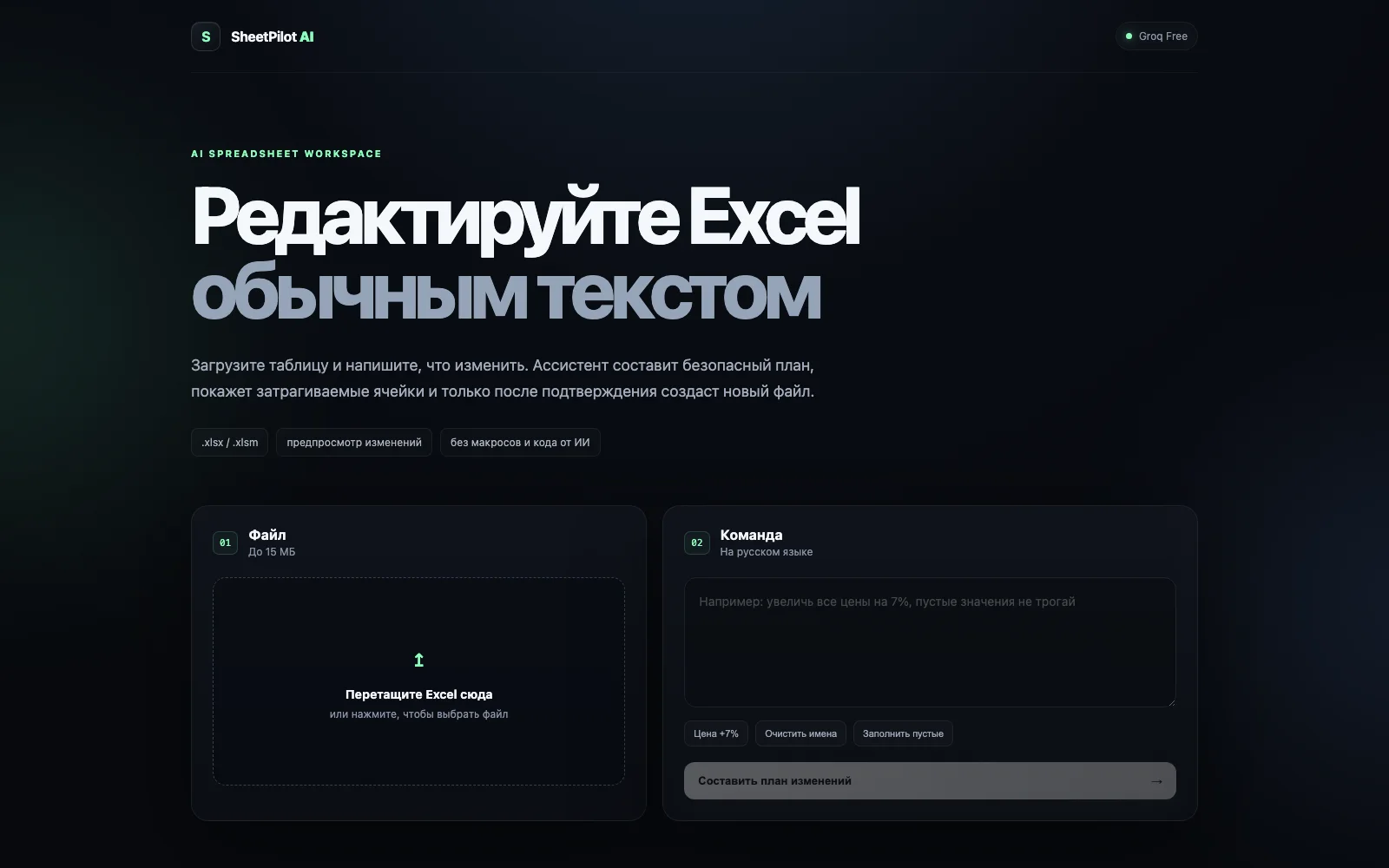
AI is useful when people need to request different operations in natural language. My SheetPilot AI prototype turns a request into a restricted operation plan, shows a preview and exports a new workbook. It is a concrete Excel example; Google Sheets and CRM synchronisation are separate integration work. Handover should cover source code, run instructions, access configuration and reference checks.