Products and stock
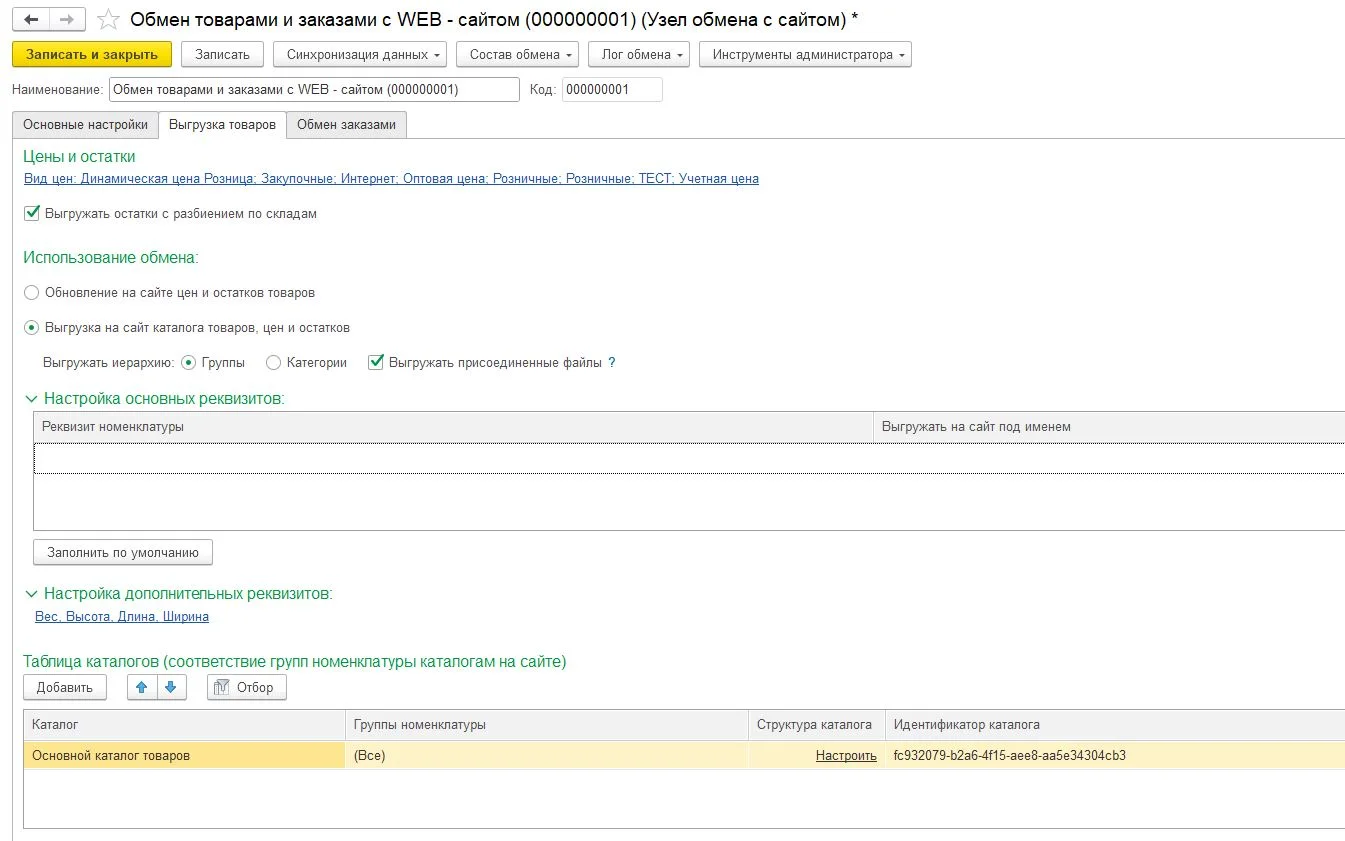
Use a stable product ID rather than only its name. Agree on the source of truth, update frequency and what a missing item means for prices and available stock.
SERVICE · AVERLIQ
Connect products, prices, stock and orders between 1C, your website and CRM. I first check your 1C configuration and the available ways to exchange data.
WORKFLOW / ACCEPTANCE
This is an illustrative integration scope, not a promise of a universal plug-in. Start with the 1C configuration, its supported exchange mechanism and the existing catalogue model.
Use a stable product ID rather than only its name. Agree on the source of truth, update frequency and what a missing item means for prices and available stock.
Send an order ID, line items and status. Repeated events with the same ID must not create another order. Invalid input and temporary 1C outages require different recovery.
Check variants, zero stock, updated prices and cancelled orders on a reference set. The log identifies records that did not transfer and the reason.
For an estimate, share the 1C version and configuration, a sample export without personal data, the catalogue or CRM model and a list of fields and directions. Connectivity and schedule depend on the existing configuration.
HAVE A PROJECT?
Send a link, screenshot or short description. We agree on scope, price and timeline before work starts.
Telegram ↗alexgtup@gmail.com